
Scratchy the Cat
Teaches visual block coding — drag, drop, and watch things happen!
Where young minds learn to build with technology.
Technology is already part of everyday life. We help children and teenagers go a step further by learning how to build, experiment and create with it — guided live, through practical projects.
Live classes · Practical projects · Friendly guidance


These characters are inspired by the tools children actually use — Scratch, Minecraft, Python and AI chat. They make each lesson feel like an adventure.
Teaches visual block coding — drag, drop, and watch things happen!
Builds worlds block by block — just like coding builds apps line by line.
Writes real code in Python — your first steps into text-based programming.
Answers questions, sparks ideas, and shows how AI can be a creative tool.

Children are growing up in a world shaped by technology. Giving them the chance to understand how that technology works can help them become more confident problem solvers, creators and critical thinkers.
Coding gives children a different way to approach problems and turn ideas into something real.
Children learn by trying, making mistakes, asking questions and trying again.
Instead of only watching lessons, learners work towards practical projects they can share.
Some love games. Some want to build websites. Others want to understand robots or experiment with AI. Our programmes give them room to explore.
 Ages 6–9
An approachable introduction to coding through creative activities, simple logic and fun projects.
⚑Scratch{}Logic▸Games?Problem Solving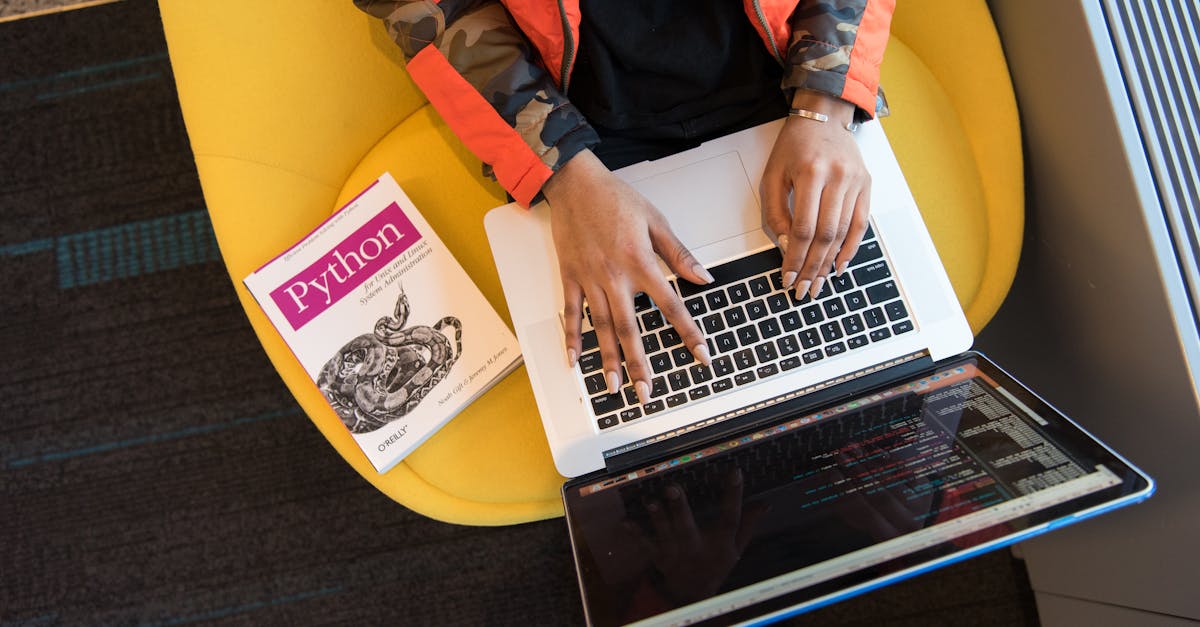 Ages 10+
Learn how websites are structured, styled and made interactive using HTML, CSS and JavaScript.
</>HTML#CSSJSJavaScript□Responsive Ages 8+
Explore sensors, logic, automation and robotics through practical challenges.
🤖Robotics⊙Sensors→Algorithms⚙Automation Ages 10+
Discover what AI is, how people use it and how young learners can experiment with it responsibly.
✦AI Concepts>_Prompting✦Creative AI Ages 8+
Combine technology and creativity to design interactive experiences and digital projects.
🎨Design{}Creative Coding↻Interactive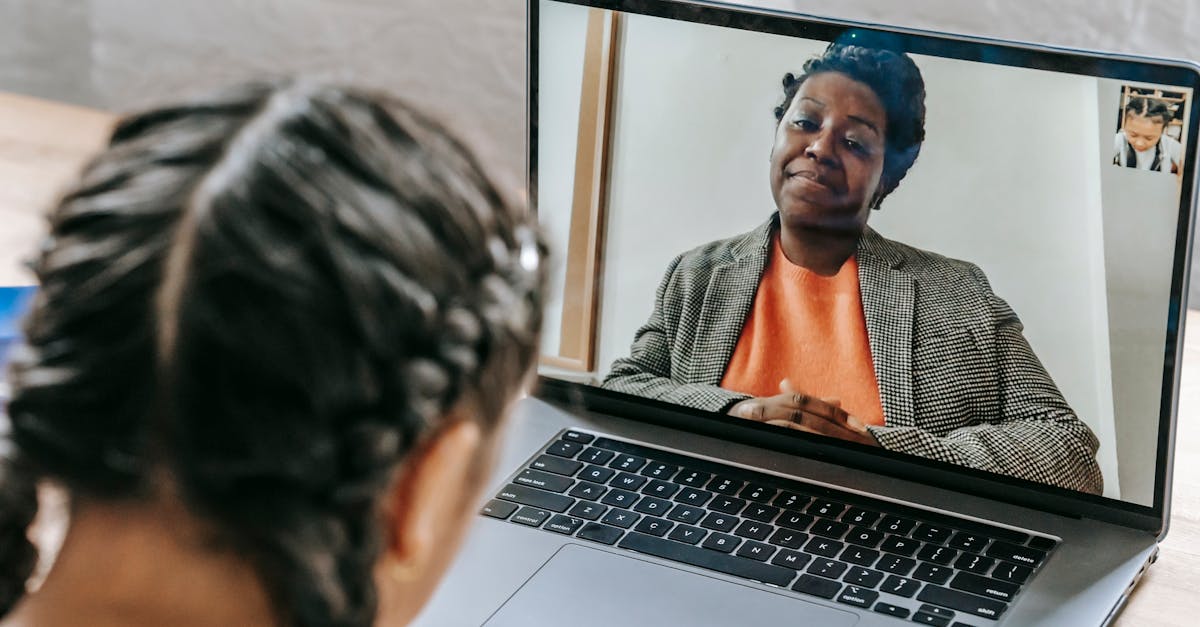 Ages 8+
Learn how to plan, create and edit digital stories using modern creative tools.
▶Video📖Storytelling✎ContentTest your HTML, CSS and JavaScript skills live! Edit the code and click Run to see your web page transform in real time. Click the demo button to test!
Tap the blocks to move Scratchy across the grid. Count the squares and plan your route to collect stars! This is exactly how block-based coding works.
1. Count the grid squares (8x8 = 64 squares total)
2. Click blocks to move Scratchy toward the star ⭐
3. Each move counts toward your score!
4. Collect stars to increase your score!
Beyond writing code, these classes help build the thinking skills that make technology useful — and that last a lifetime.
Some children focus best alone, while others come alive in a group. We offer both — you choose what suits your child best.
Personalised attention for learners who prefer a focused learning environment.
Learn alongside other curious young people while building projects together.
Type a question about coding below and Sparky the AI will answer! This is a taste of what children explore in our AI classes.
Try asking: "What is coding?" or "How do websites work?"
Explore Our AI ProgrammeParents complete the registration form and tell us about the learner's age, interests and experience.
We help identify a suitable learning path.
The learner joins the online class and gets guided support.
Lessons move from concepts into practical projects.
Parents can see what their child is learning and creating.

You don't need to understand JavaScript, Python or robotics. You simply need to give them room to explore, ask questions and make something of their own.
Clear communication around classes and progress.
A place where children can ask questions without feeling intimidated.
Parents can see what their child is working towards through real projects.
Tell us about your child and we'll help you choose the right programme.
We're just finishing a small update. In the meantime, email us and we'll help you find the right starting point for your child.
Email support@lightspeedtechng.com Tell us your child's age and interests and we'll suggest a programme.
We only use these details to respond to your enquiry. This form is protected by Cloudflare Turnstile, so no personal data is stored in your browser.
Prefer email? Write to support@lightspeedtechng.com and we'll help you find the right starting point.
Children can start as early as six. Our Coding for Beginners programme is designed for ages 6–9 using Scratch and simple logic.
Not at all. Most of our learners begin with no experience. Beginners are always welcome.
Yes. Classes are held live online with a real instructor. It's interactive learning, not pre-recorded videos.
Learners work towards practical projects — personal websites, simple games, interactive stories, robot projects or AI experiments.
Yes. We offer private 1:1 classes for learners who prefer a focused, personalised environment with flexible scheduling.
A laptop or computer with internet is best. Some programmes can work with a tablet. We can advise on setup when you register.
Fill in the registration form above. We'll help you choose a programme and format, then arrange a suitable start.
Give your child the chance to explore technology, build something real and discover what they can do.